Calculate Sqft From a Floor Plan
Upload any floor plan and calculate the square footage. Trace the perimeter, set one wall length, and PlanSnapper does the math.
🔒 Secure checkout · 48-hour money-back · Pro subscription cancels anytime
From raw floor plan to measured GLA
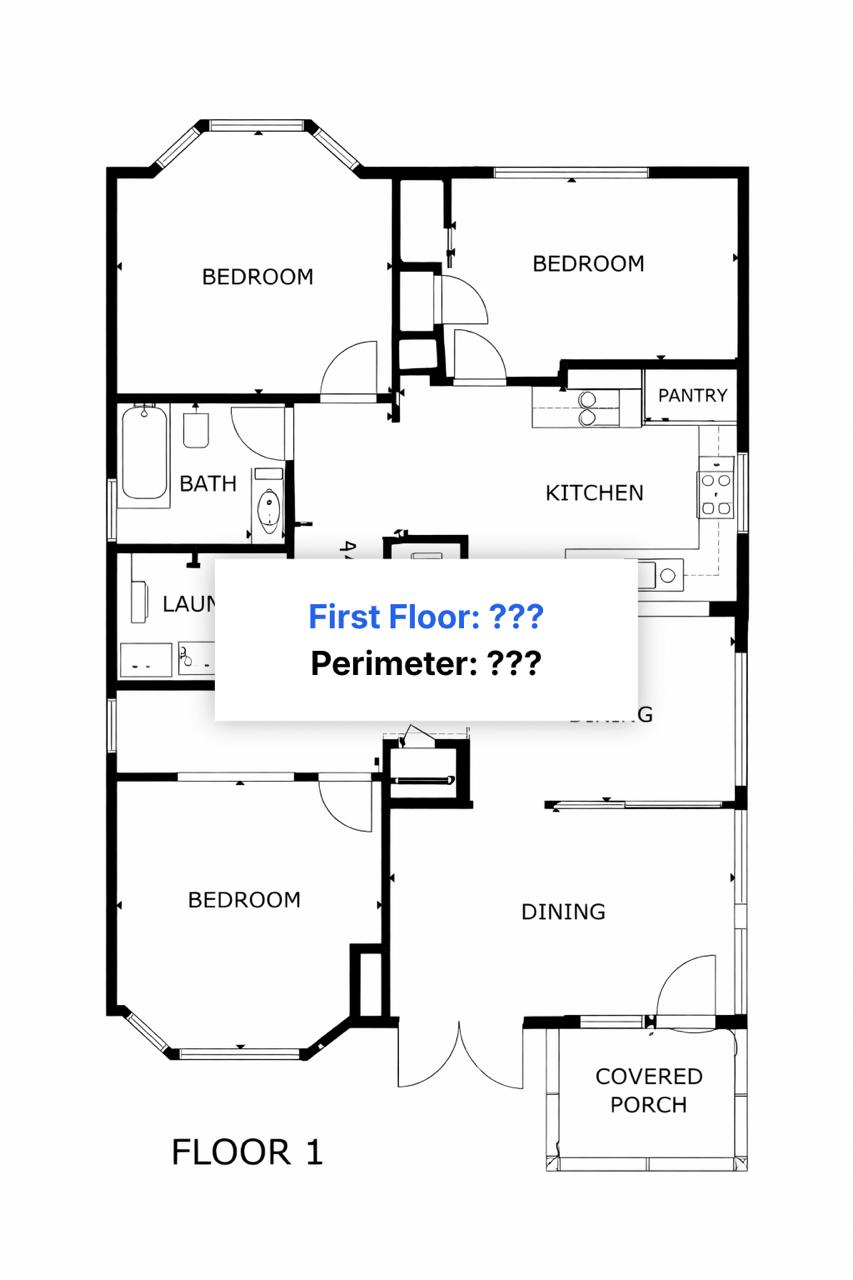
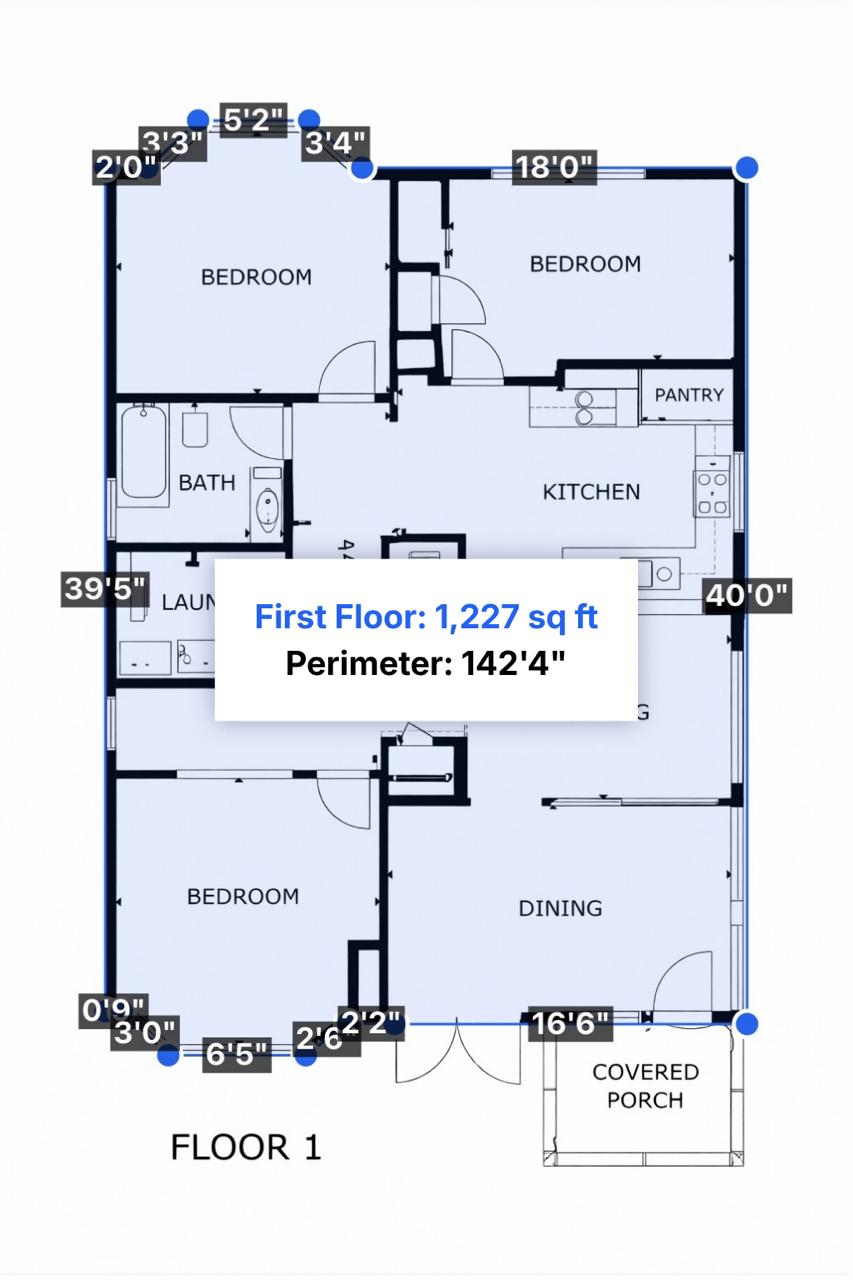
Three steps. Under 2 minutes.
Upload your floor plan
Drop in a photo, PDF, or image from CubiCasa, Matterport, iGUIDE, or any other source.
Trace the perimeter
Click around the exterior walls. Use the magnifier loupe for precision and close the polygon automatically.
Set one known dimension
Enter a single wall length. PlanSnapper uses it as the scale reference and calculates total area.
Simple pricing
One floor plan or many. Get 24-hour access or go unlimited.
24-hour access. Just need it today.
Billed $348/yr · ~3 months free
Unlimited access. Cancel anytime.
$9 day pass. Instant access, no subscription.
Frequently Asked Questions
What file types can I upload?
PlanSnapper accepts photos (JPG, PNG), PDFs, and any image from CubiCasa, Matterport, iGUIDE, hand-drawn sketches, or architect drawings. The plan needs to be roughly to scale, but does not need to be perfect. You set the scale yourself with one known wall length.
How accurate is the square footage I get?
Accuracy depends on how to-scale the floor plan is and how carefully you trace. For a clean architect drawing or appraisal sketch, results are typically within 1 to 2 percent of a measured GLA. For phone photos taken at an angle, expect 5 to 10 percent variance. To get within 1 to 2 percent, retake the photo straight-on or use the perspective correction tool.
Do I need to install anything?
No. PlanSnapper runs entirely in your browser. Works in Chrome, Safari, Firefox, and Edge on desktop or mobile. Nothing to download, no plugins, no CAD software required.
How much does it cost?
A $9 day pass gives you full access for 24 hours, no subscription. Monthly is $39 and annual is $348 ($29/mo equivalent) for unlimited use, project save/resume, multi-floor support, and PDF export. Every plan includes a 48-hour money-back guarantee if it does not work for your floor plan.
Can I measure a multi-story home?
Yes. Trace each floor separately, set the scale on each, and PlanSnapper sums the total GLA. Open-to-below areas (two-story foyers, lofts) can be excluded so you do not double-count.
Does it work on mobile?
Yes. The full tool runs in mobile Safari and Chrome. You can take a photo of a paper floor plan with your phone and trace it right there. For complex plans, a tablet or desktop is more comfortable.