Verify the square footage of any floor plan in minutes.
Upload a plan, trace the perimeter, and set one known dimension. PlanSnapper gives you the exact number. No printing, no ruler, no CAD.
🔒 Secure checkout · 48-hour money-back · Pro subscription cancels anytime
From raw floor plan to measured GLA
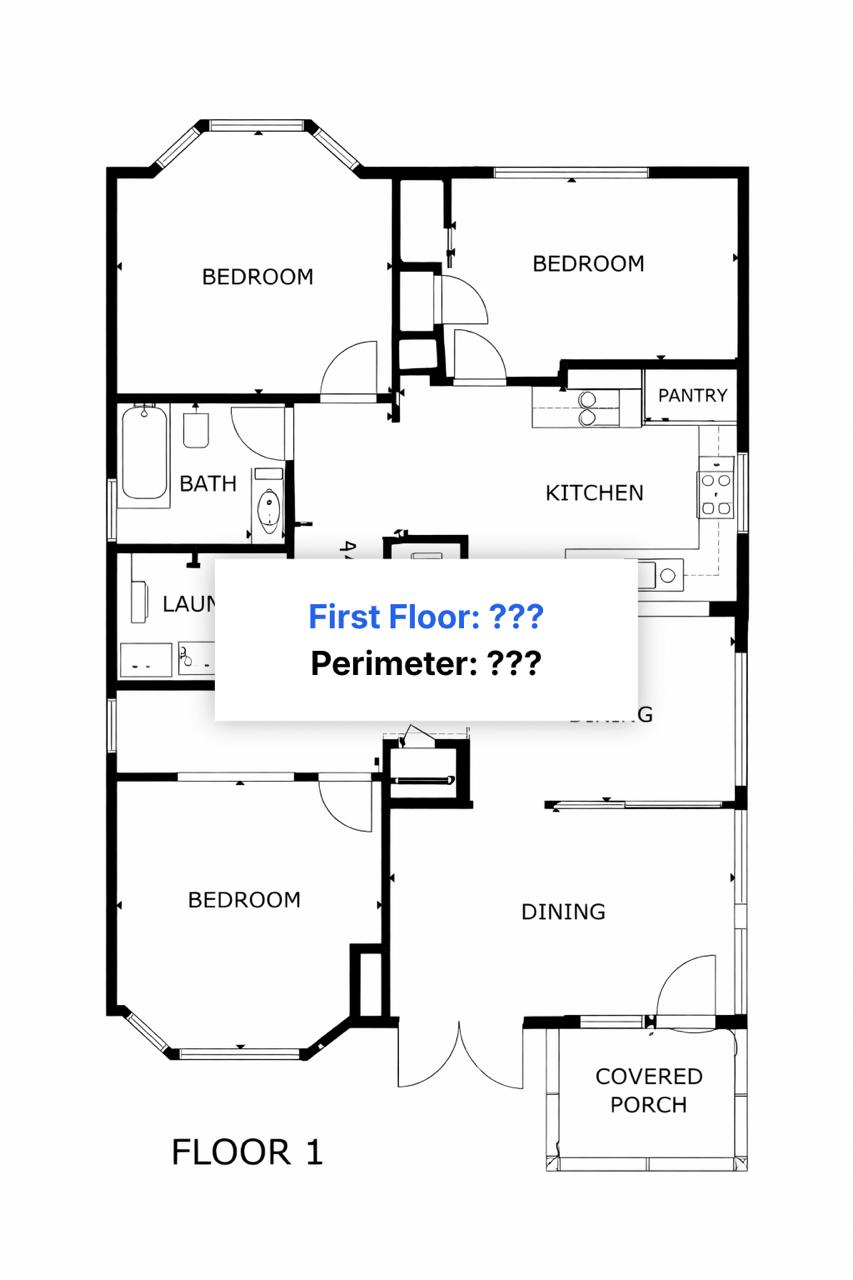
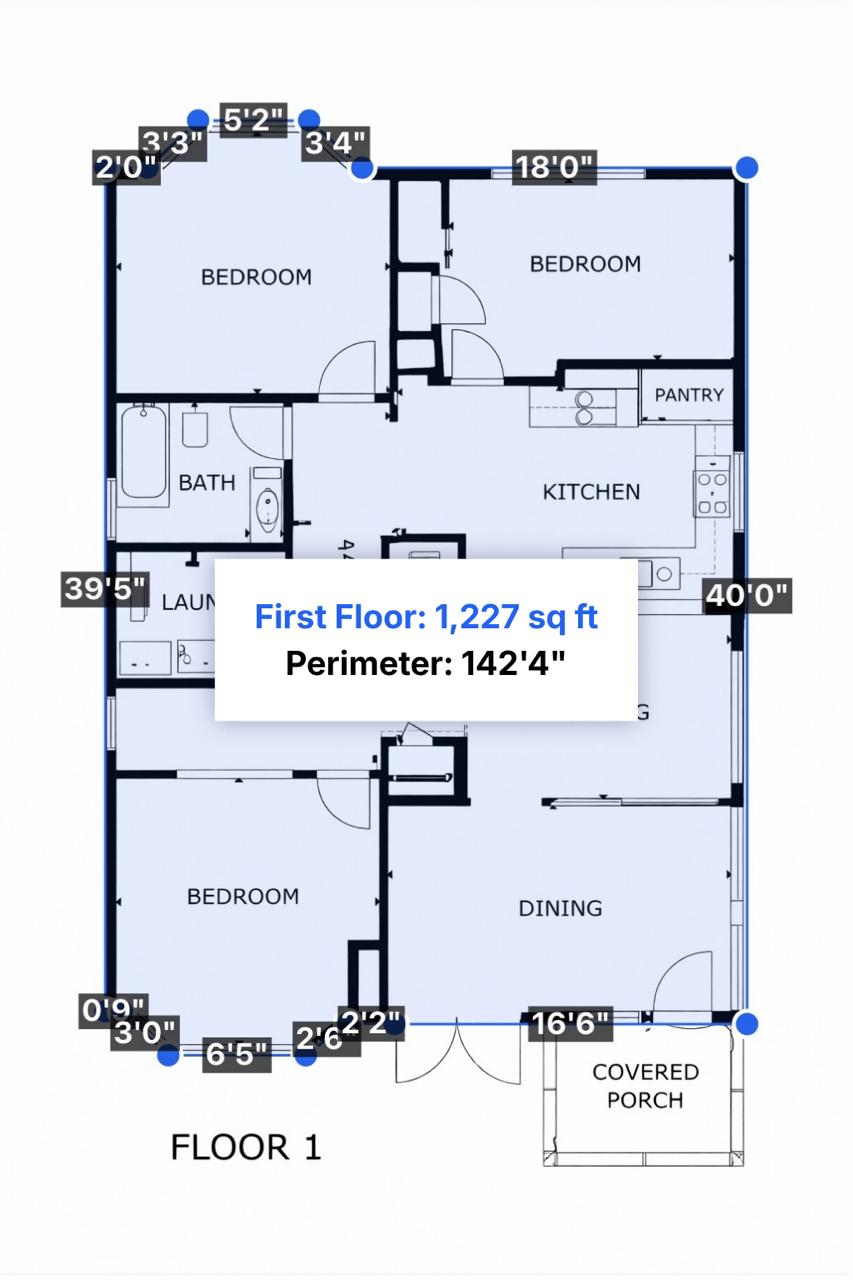
Anyone verifying a number on a floor plan.
Real estate professionals
Verify rentable and usable square footage on commercial leases. Cross-check listing accuracy. Catch discrepancies in landlord documents before you sign.
Homeowners and buyers
Verify a home's square footage before you buy, refinance, or appeal a property tax assessment. Catch discrepancies between blueprints, builder documents, and what the listing claims.
Appraisers and contractors
Get GLA, perimeter, and individual wall lengths from any to-scale image. ANSI Z765 compliant for residential. Works on MLS screenshots, architect plans, CubiCasa, and Matterport exports.
Three steps. Done in minutes.
Upload your floor plan
Drop in a photo, PDF, or image from CubiCasa, Matterport, iGUIDE, or any other source.
Trace the perimeter
Click around the exterior walls. Use the magnifier loupe for precision and close the polygon automatically.
Set one known dimension
Enter a single wall length. PlanSnapper uses it as the scale reference and calculates total area.
Simple pricing
One floor plan or many. Get 24-hour access or go unlimited.
24-hour access. Just need it today.
Billed $348/yr · ~3 months free
Unlimited access. Cancel anytime.
$9 day pass. Instant access, no subscription.
Frequently Asked Questions
What file types does PlanSnapper accept?
Photos (JPG, PNG), PDFs, and any image from CubiCasa, Matterport, iGUIDE, or architect drawings.
Do I need to install anything?
No. PlanSnapper runs entirely in your browser. Nothing to download.
Can I try it before paying?
Yes. The $9 day pass gives you full access for 24 hours. No subscription required.
Is there a money-back guarantee?
Yes. If it does not work for your floor plan, email us within 48 hours for a full refund. No questions asked.